Connect ThunderHub to an Existing litd Node
This guide covers connecting ThunderHub to a litd node that is already running with its embedded LND.
1. Locate Your Credentials
litd stores its TLS certificate in ~/.lit/ by default. The LND macaroon is in the standard LND data directory:
| File | Default Path | Purpose |
|---|---|---|
| TLS cert | ~/.lit/tls.cert | Authenticates the gRPC connection |
| Admin macaroon | ~/.lnd/data/chain/bitcoin/mainnet/admin.macaroon | Authorizes ThunderHub actions |
The admin macaroon comes from the LND data directory (~/.lnd), not from
~/.lit. litd embeds LND, and macaroons are written to the standard LND
paths.
2. Create a Config File
Create a thubConfig.yaml pointing to litd’s LND gRPC endpoint:
masterPassword: 'your-secure-password'
accounts:
  - name: 'My Node'
    serverUrl: '127.0.0.1:10009'
    macaroonPath: '/lnd/admin.macaroon'
    certificatePath: '/lnd/tls.cert'
When running ThunderHub in Docker on the same machine as litd, use
host.docker.internal:10009 as the serverUrl on macOS and Windows, or your
machine’s LAN IP on Linux.
3. Run ThunderHub
docker run -d \
  --name thunderhub \
  -p 3000:3000 \
  -e ACCOUNT_CONFIG_PATH=/data/thubConfig.yaml \
  -v /path/to/thubConfig.yaml:/data/thubConfig.yaml:ro \
  -v /path/to/.lnd:/lnd:ro \
  apotdevin/thunderhub:latest
Replace /path/to/thubConfig.yaml and /path/to/.lnd with the actual paths on your system.
Open http://localhost:3000 and log in with the masterPassword from your config file.
Docker Compose
services:
  thunderhub:
    image: apotdevin/thunderhub:latest
    restart: unless-stopped
    ports:
      - '3000:3000'
    environment:
      - ACCOUNT_CONFIG_PATH=/data/thubConfig.yaml
    volumes:
      - ./thubConfig.yaml:/data/thubConfig.yaml:ro
      - /path/to/.lnd:/lnd:ro
      - /path/to/.lit:/lit:ro
docker compose up -d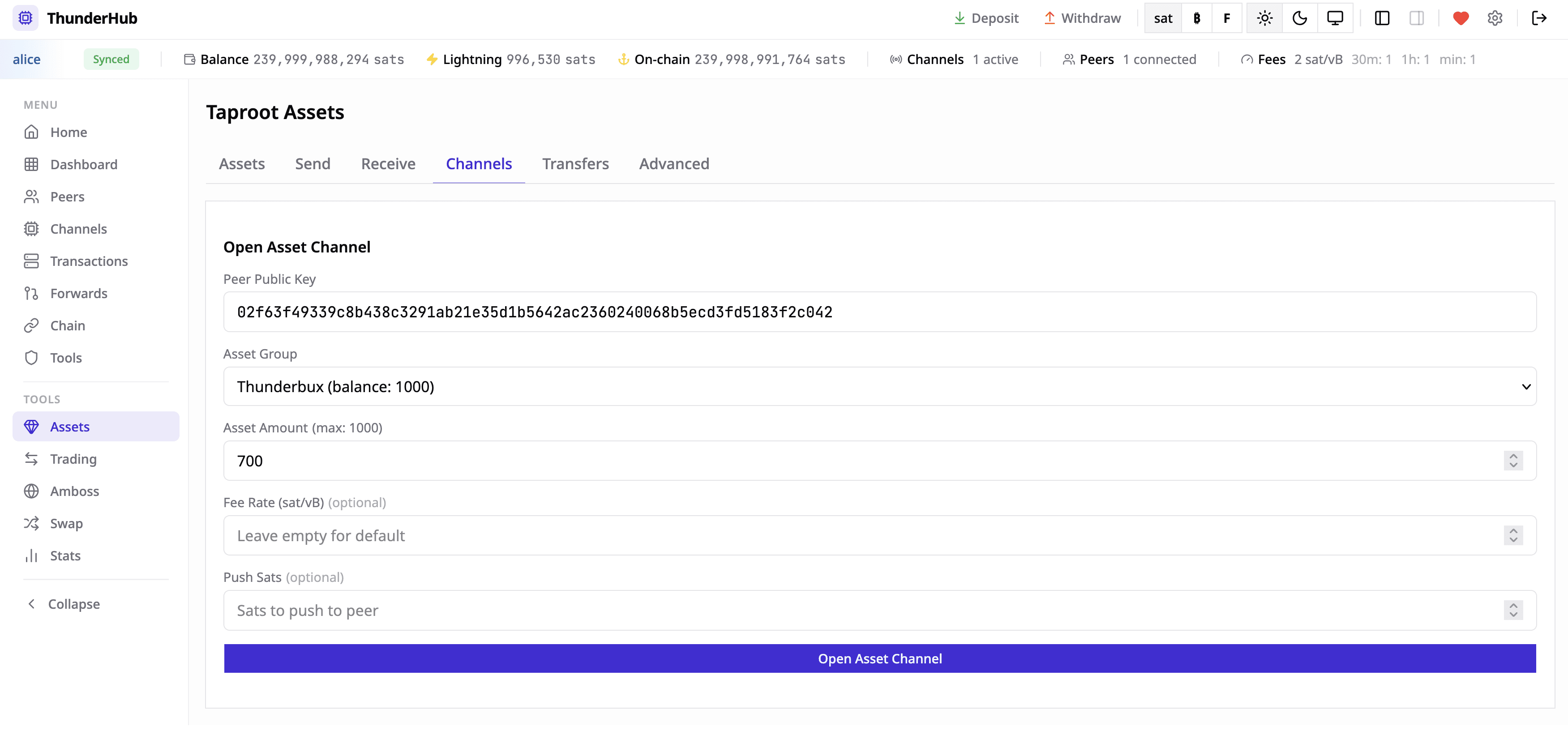
Troubleshooting
- Verify the
serverUrlpoints to the LND gRPC port (10009), not the litd HTTPS port (8443). - Check that TLS cert and macaroon paths in the container match your volume mounts.
- On Linux, use your host’s actual IP address instead of
host.docker.internal.